Babel4Game - LOTRO Translator
A downloadable tool for Windows
Play in English, read in your language
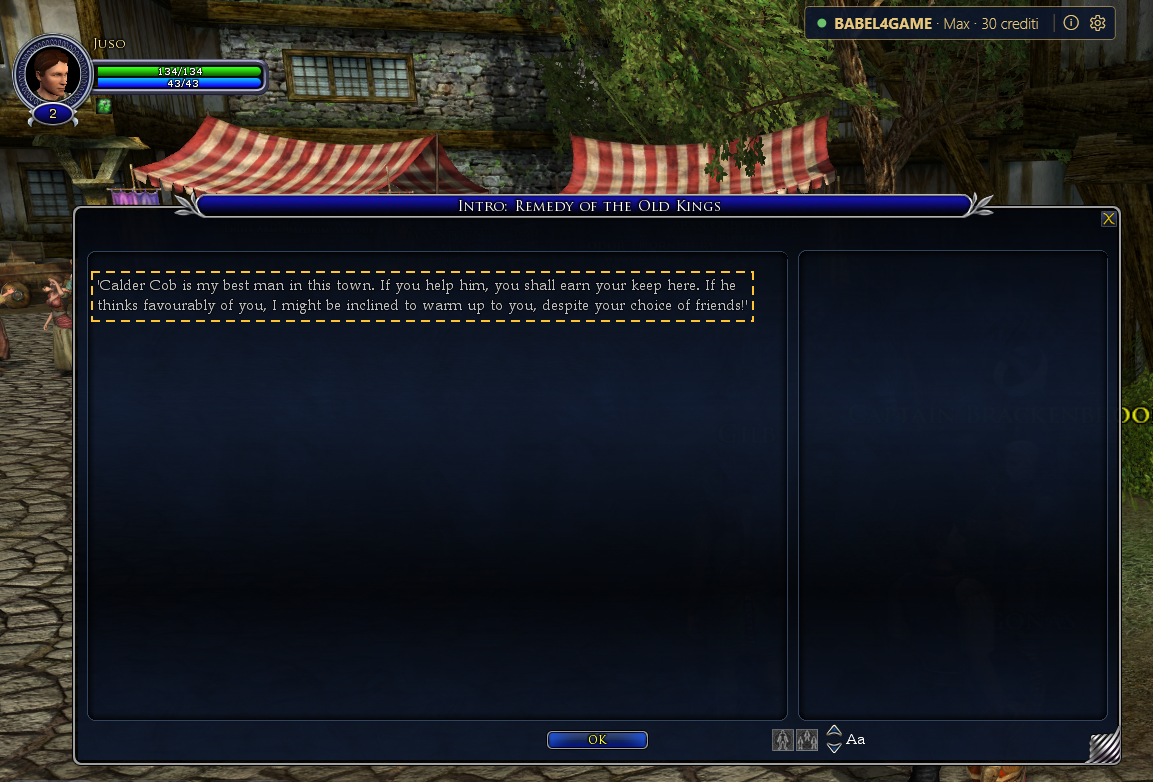
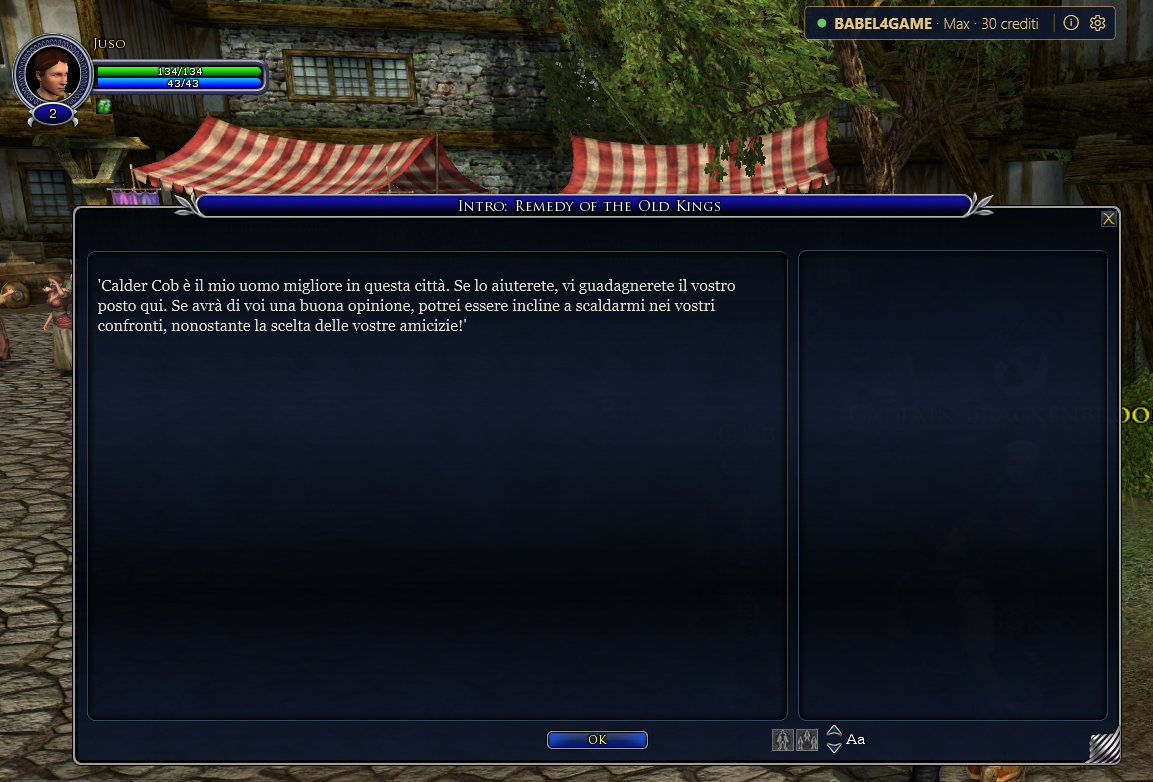
Babel4Game is a Windows overlay that translates on-screen game text while you play. Select the text you want to understand and the translation appears right on top of the original, in the same spot and the same font size.
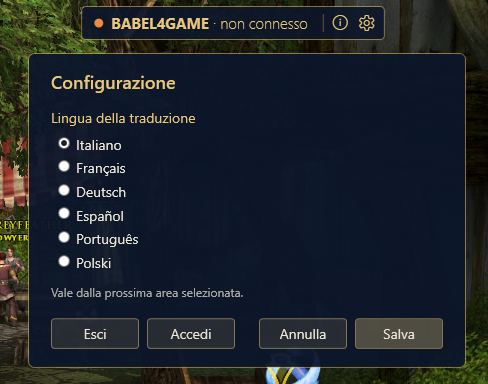
Translation languages: Italiano · Français · Deutsch · Español · Português · Polski
App interface: English, Italiano, Français, Deutsch, Español, Português, Polski
How it works
- Hold Left Ctrl.
- Click and drag a rectangle over the text (a dialogue, an objective, a description).
- Release: the translation appears over the original.
- Click anywhere to dismiss it. Hold Right Alt to peek at the English text.
The game is never touched: no file edits, no code injection, no memory reading. Babel4Game only reads the screen, recognizes the text and draws the translation in a transparent window on top.
Features
- Translation on demand – translate only the area you care about, instead of covering the whole screen.
- Consistent terminology – names and terms follow the established literary translation of each language. Names with no official rendering stay in the original.
- Instant repeats – every translated sentence is saved. If you meet it again, or another player already translated it, it appears instantly and costs nothing.
- Accurate text – for sentences found in the game's text archive, the displayed text comes from the archive, not from what the OCR read, so there are no reading errors. Other on-screen text is translated too and marked with ≈.
- Automatic updates – new versions download in the background and install when you close the app.
Account and credits
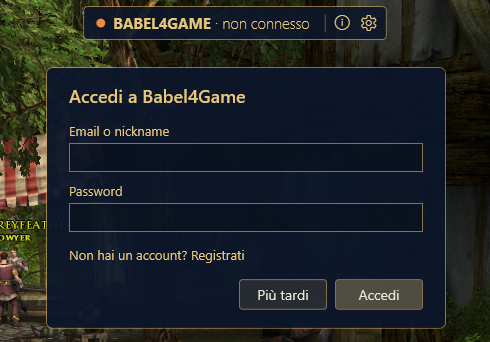
A free Babel4Game account is required (sign up on the website). You get 150 credits when you register:
- 1 credit for each new translation;
- 0 credits for sentences already in the shared database.
Requirements
- Windows 10 (build 19041) or later, 64-bit
- Game in borderless windowed mode
- Windows English (en-US) OCR language pack (if missing, the app offers to install it on first run and asks for administrator permission)
- Microsoft WebView2 (for the captcha check)
- Internet connection
Installation
Download and run Babel4GameApp-win-Setup.exe. It installs for the current user, with no administrator rights and no need to install .NET. On first launch the app downloads the game data it needs.
Note: the installer is not code-signed, so Windows SmartScreen may show "unrecognized app". Click "More info" then "Run anyway".
In italiano
Gioca in inglese, leggi nella tua lingua. Tieni premuto Ctrl sinistro, trascina un rettangolo sul testo e rilascia: la traduzione compare sopra l'originale. Disponibile in italiano, francese, tedesco, spagnolo, portoghese e polacco. Serve un account gratuito con 150 crediti iniziali; le frasi già tradotte da altri giocatori non costano nulla. Installazione per utente, senza amministratore, con aggiornamenti automatici.
Babel4Game is an unofficial fan-made project. It is not affiliated with or endorsed by the game's developers or publishers.
Download
Click download now to get access to the following files:
Leave a comment
Log in with itch.io to leave a comment.